Administrator Levels
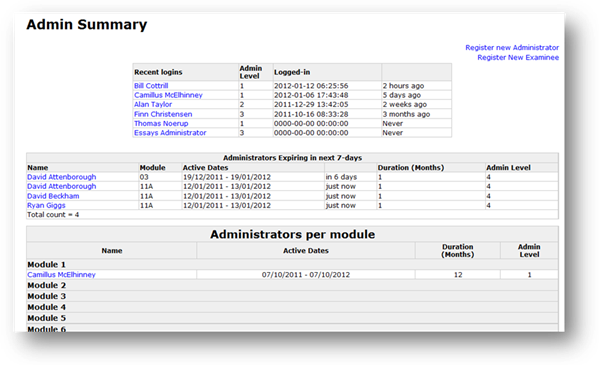
When you register a new administrator, you need to select, using the radio buttons, an Admin Level, 1, 2 or 3. The following is the access rights for each Admin Level:
Admin Level 1 – This is a Superadministrator. The Superadministrator has the highest access rights. The Exams Manager is setup on QBgenerator by default. Only Level 1 administrators can setup (register) other administrators. Additionally, Level 1 administrators can access and edit the details (including Username and Password) of other administrators. They can also manage questions, and generate exams if they are subscribed to the respective Module(s). It is possible to setup more than one Superadministrator.
Admin Level 2 – This is a Subject Specialist. The Subject Specialist may, for example, be an instructor in one or more of the Module subjects. You will probably need to setup multiple Subject Specialists, in order to cover all the Modules. The same Level 2 administrator can be subscribed to one or more Modules at the same time. Level 2 administrators can only manage questions, and generate exams in the Module(s) to which they are subscribed.
Admin Level 3 – This administrator has the lowest access rights. The Level 3 administrator can generate exams only. The Level 3 administrator cannot manage questions. The Level 3 administrator may, for example, be an office administrator or clerk.
Related Topics
Copyright (c) 2012 Total Training Support Ltd