Registering an Administrator
Only a Superadministrator (Admin Level 1) can register another administrator.
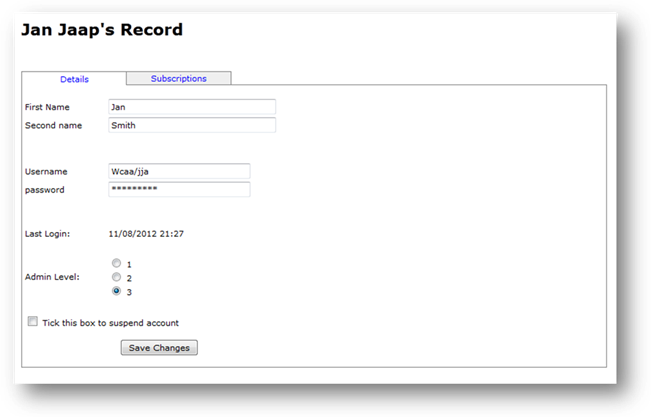
After logging in (as a Superadministrator), a screen displays all the current administrators, and the Modules to which they are currently subscribed to. Click the link Register New Administrator and fill in the details of the administrator (first and second name, username and password, and admin level). Click Save (then Continue), and the administrator will be registered.
The new administrator (Level 1, 2 or 3) will not be able to manage questions or generate exams, until they have been subscribed to the Module(s) in which they will manage questions, and/or generate exams.
Related Topics
Copyright (c) 2012 Total Training Support Ltd